

Google pushes AI and customization across Search

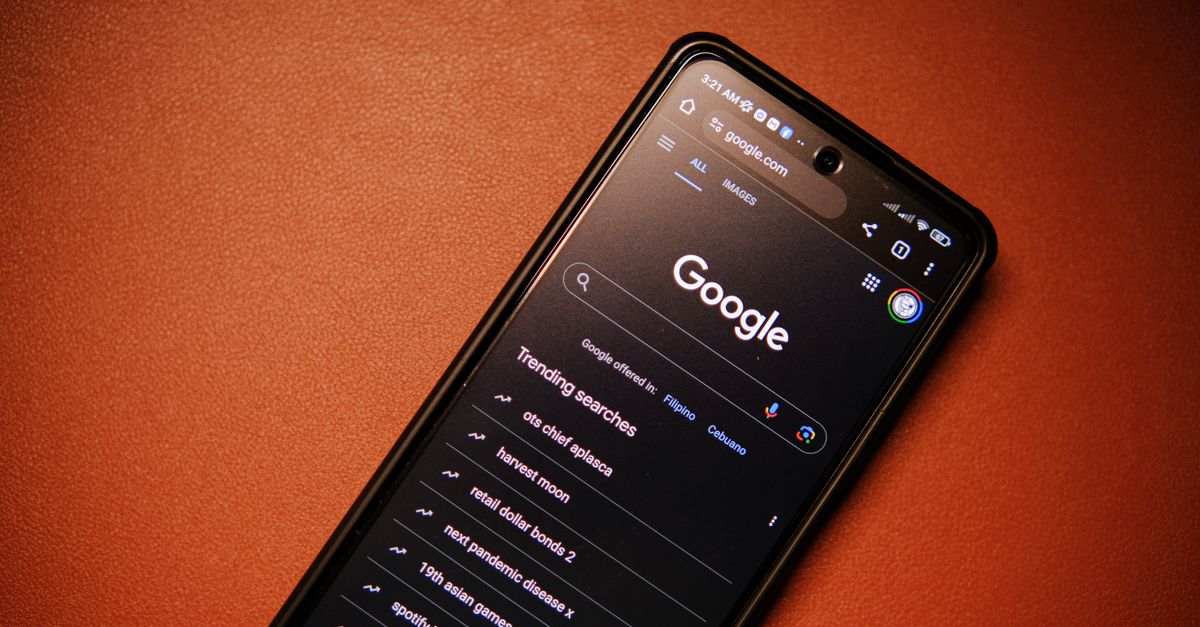
Photo by Click Jeth on Pexels
Google rolled out a wave of software updates that let users shape what they see and how devices behave, from Search to Android Auto. The changes signal a shift from passive algorithms to explicit user control.
The first batch lets you add favorite new sources to Search and customize Discover with a chat interface, according to Engadget and 9to5Google. At the same time, Google released factory and OTA images for the Pixel Watch 5, bundled the new Gemini‑powered writing tools into Gboard, and added iPhone‑style screen‑saver switching on Pixel 11 phones. Android Auto also received a fix for random disconnects and freezes. All of these moves arrive within a single release cycle.
Search and Discover become user‑driven
Google now offers a setting to pin preferred news outlets, blogs or niche sites directly in Search results. Engadget reports the feature as a “more options to customize your search and Discover experiences.” The UI adds a simple “Add source” button under the Discover feed, where users can type a URL or select from a suggested list.
The change matters because Discover has long relied on opaque ranking signals. By letting users surface the sites they trust, Google hands editorial power back to the reader. The same rollout introduces a chat‑based flow for Discover tweaks. 9to5Google notes that the chat lets you say things like “show me more tech news from European sources” and the system updates the feed in real time. The interaction feels like a conversational shortcut rather than a deep settings dive.
Critics have warned that surface‑level controls can mask deeper algorithmic bias. The new UI does not expose the weight given to each source, so the underlying ranking engine remains a black box. Still, the ability to explicitly add a source is a concrete lever that most power users have been asking for.
Gemini seeps into everyday typing
Pixel 11 ships with an updated Gboard that leverages Gemini Intelligence to deliver “Personalized suggestions,” per 9to5Google. The feature watches how you write across apps and surfaces context‑aware completions that reflect your style, not just generic predictions.
In practice, the suggestions feel more like a co‑author than a static autocomplete. When drafting an email, Gboard might finish a phrase with the tone you usually employ for that recipient. When typing code, it offers snippets that match the language you’ve been using. The personalization is powered by on‑device inference, which keeps raw text out of the cloud.
The rollout is limited to Pixel 11 devices for now, but the underlying Gemini model is the same engine Google is deploying in Bard and Search. That convergence raises the stakes: a single AI model now fuels both public search and private typing assistance. If the model misfires—producing a suggestion that leaks sensitive phrasing—the fallout could be personal as well as public.
Pixel UI polish: screen savers and a unified Watch build
Pixel 11 phones receive a screen‑saver update that adds a new visual style and the ability to select multiple savers that rotate automatically, mimicking iPhone behavior. 9to5Google describes the change as “support for a new style and the ability to select more than one option and switch through them.” The feature lives in Settings → Display → Screen saver, where a toggle now lets you enable a carousel of wallpapers.
The same day, Google posted factory and OTA images for the Pixel Watch 5, consolidating the build into a single unified image. 9to5Google notes the move simplifies flashing and reduces fragmentation across regional variants. A unified image also means security patches can roll out faster, because there is only one firmware baseline to maintain.
Together, the UI tweaks and the unified watch build illustrate Google’s focus on a seamless cross‑device experience. The screen‑saver carousel feels like a cosmetic nicety, but it signals that Google is willing to copy competitor gestures when they improve user delight. The watch build, meanwhile, cuts friction for developers and power users who flash custom ROMs.
Android Auto gets a stability patch
Recent weeks saw random Android Auto disconnects and freezes that left drivers stranded in menus. Google’s latest Android Auto update promises to fix those issues, according to 9to5Google. The patch targets the Bluetooth stack and the UI thread that handles map rendering, two common culprits in the reported crashes.
For commuters who rely on Android Auto as a daily navigation hub, the fix is more than a convenience—it restores trust in a platform that competes with Apple CarPlay. The update arrives ahead of the holiday travel surge, suggesting Google timed the release to avoid a seasonal spike in complaints.
The patch does not introduce new features, but its quiet rollout underscores Google’s willingness to address reliability problems that have lingered under the radar. Stability is a prerequisite for any future expansion of Android Auto, such as deeper integration with the Gemini AI that powers other Google services.
What to watch next
The next milestone will be how Google ties the newly exposed user preferences in Search and Discover to the Gemini‑driven suggestions in Gboard and future Android Auto voice commands. If the company can close the loop—letting a user’s chosen sources influence on‑device AI suggestions—the ecosystem could become genuinely personalized. Watch for a beta of “Discover via voice” slated for later this quarter, and for any follow‑up patches that expand the unified Pixel Watch image to older models. Those signals will reveal whether Google’s patchwork of updates is a cohesive strategy or a series of isolated fixes.
Related Articles
Google adds AI to Android with Health 5.08 and Find Hub update
Google rolls out Health 5.08 and a Gemini‑powered Remembered tab in Find Hub, tightening AI across Android.
Google updates Clock timers, Gemini Photos, Motion Assist
Google refreshed the Clock app’s timer UI, let Gemini Spark automate Google Photos, and began rolling Motion Assist to Android 17 devices.
Google TV Streamer’s $150 price tag forces a rethink on cheap
Google hikes its TV Streamer from $100 to $150, sparking debate over hardware pricing, security lapses, and AI copyright battles.