

Apple trims Siri

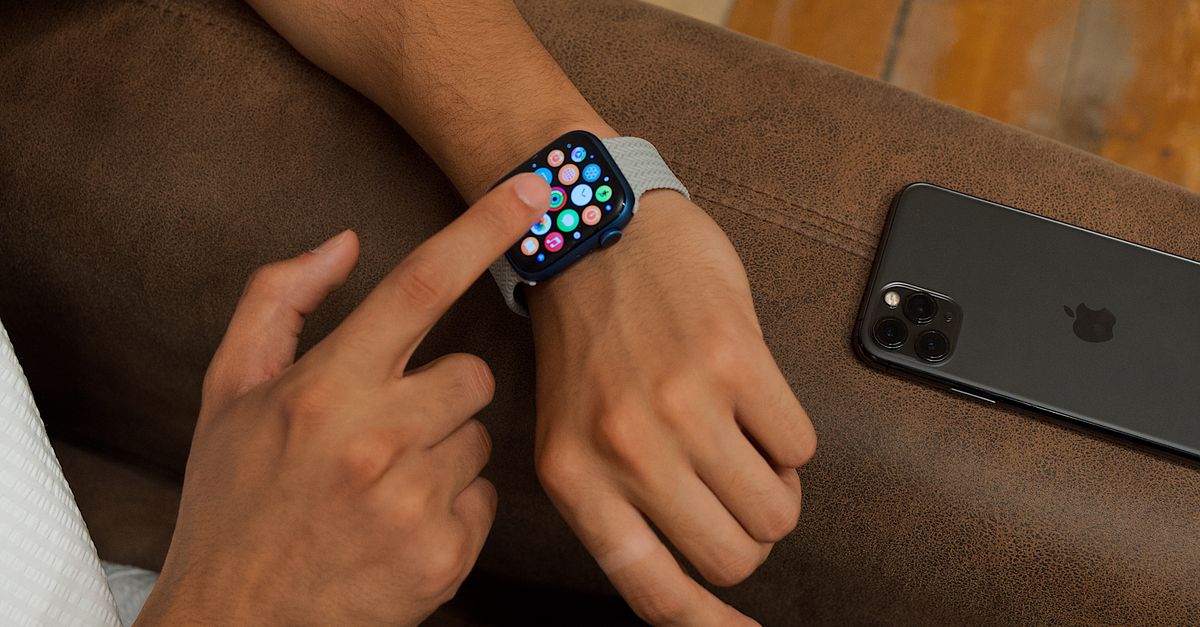
Apple’s staffing shift signals a new priority
Apple confirmed it is cutting “hundreds of jobs” from its Siri and Vision Pro teams, according to a report from TechCrunch. The move comes as the company publicly pivots away from the voice‑assistant and mixed‑reality headset initiatives that have dominated its R&D budget for years.
The layoffs are not a vague restructuring; they target the very groups that have struggled to deliver breakthrough experiences. Siri’s market share has plateaued, and Vision Pro sales have lagged behind the hype. By trimming those divisions, Apple frees engineering bandwidth for the next wave of iOS software, most notably the overhauled Shortcuts app that landed in iOS 27.
iOS 27 Shortcuts: the power‑user’s new command center
WIRED’s hands‑on review describes iOS 27’s Shortcuts as the most streamlined version of the automation tool since its debut. The author built seven practical tricks ranging from halting doom‑scroll sessions to automating air‑quality checks, all without touching a line of code.
What makes the update compelling is the tighter integration with system services. Shortcuts now expose granular triggers for battery state, network changes, and even AirPlay connections—a nod to the Engadget guide that still treats AirPlay setup as a multi‑step process. By letting a shortcut fire the moment you plug into a TV, iOS 27 eliminates the clunky “Open Settings → AirPlay → Select Device” dance that has annoyed power users for years.
For engineers who live in their own devices, the revamped UI reduces friction. Actions are grouped by category, and the new search bar surfaces rarely used commands in milliseconds. The result is a workflow engine that feels less like a hobbyist sandbox and more like a native extension of the OS.
Google’s Pixel 11 series pushes multitasking, but hardware lags
While Apple trims staff, Google is busy loading its Pixel 11 lineup with user‑focused features. A recent Canary build preview revealed the Pixel 11 Pro Fold’s “App Handles” multitasking system, which lets users drag a persistent handle onto the screen edge to snap apps into split view. The feature, highlighted by 9to5Google, feels like a natural evolution of foldable ergonomics, yet it arrives alongside a hardware accessory misstep.
The same outlet warned consumers to skip Google’s “wildly overpriced” Pixelsnap Clear Case for the Pixel 11. The case’s price point dwarfs comparable third‑party options, and its protective value is marginal. The recommendation underscores a broader tension: Google’s software advances outpace its accessory ecosystem, leaving power users to hunt for affordable third‑party solutions.
On the camera front, the Pixel 11 series adds a “Launch control” button and a “Quick access” slider to the native camera app. 9to5Google notes that the controls are disabled by default and that the activation method feels unintuitive. Still, the addition signals Google’s intent to give photographers faster, hardware‑proximate shortcuts—mirroring Apple’s own push to embed automation deeper into iOS.
The broader battle for developer attention
Apple’s decision to cut Siri and Vision Pro staff while supercharging Shortcuts suggests a strategic bet on developer‑driven value. Shortcuts is effectively a low‑code platform that lets power users script complex behaviors without waiting for a new API. By tightening its integration with system events, Apple reduces the incentive for third‑party automation apps, consolidating more of the workflow ecosystem under its own roof.
Google, by contrast, is doubling down on native feature sets—foldable multitasking and camera shortcuts—to keep its flagship devices compelling. However, the misstep with the Pixelsnap case reveals a misalignment between software ambition and accessory execution. If Google cannot deliver affordable, high‑quality hardware accessories, it risks alienating the very power users who crave the kind of deep integration Apple is now offering.
Both companies are wrestling with the same problem: how to allocate engineering talent between speculative hardware (Vision Pro, foldable screens) and software that delivers immediate productivity gains. Apple’s layoffs signal a retreat from speculative hardware in favor of software that can be monetized through services and developer ecosystems. Google appears to be hedging, pushing software features while still banking on hardware differentiation.
What to watch
Track Apple’s next iOS 27 update for expanded Shortcut triggers, especially any that tap into third‑party services—those will reveal how aggressively Apple is courting the automation market. On the Google side, watch for the official launch price of the Pixel 11 Pro Fold and any accessory bundles that address the current case pricing gap. The next quarterly earnings reports will also show whether Apple’s staffing cuts translate into higher margins for services, and whether Google’s feature push can offset any accessory revenue shortfall.
Related Articles
Google Easter Egg, Apple iOS RC
Google honors Attenborough, Apple rolls out iOS 26.5 RC 2, and iPhone 18 Pro’s A20 chip rumors fuel speculation on upcoming features.

Googlebook challenges Apple’s retail play as Mac Studio prices
Google’s $899 AI‑native laptop and Apple’s store‑first philosophy clash amid rising component costs and AI‑driven hardware bets.
Apple's rapid RC rollout pressures macOS developers
Apple released second release candidates for macOS Tahoe and Sequoia, while beta streams for Golden Gate and iOS 27.2 accelerate, sparking developer strain and highlighting ecosystem frictions.