

Flipcorder adds retro video capture to iPhone Duo

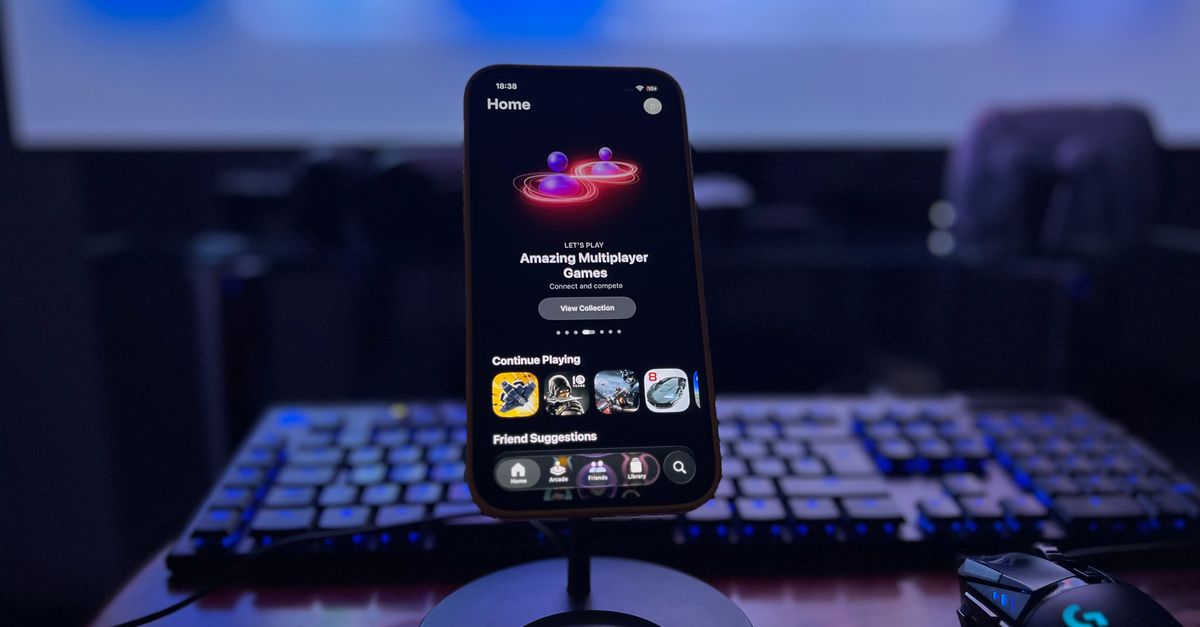
Photo by Déji Fadahunsi on Pexels
Flipcorder arrived on the App Store as an indie offering that records iPhone Duo footage in a retro style.
The app runs natively on the Duo’s inner and outer displays, applies grain and scan‑line filters, and is compatible with all iPhone models, according to 9to5Mac’s Indie App Spotlight.
Retro aesthetics meet dual‑screen hardware
Flipcorder’s core promise is simple: take video on an iPhone and make it look like it was shot on a 1970s camcorder. The filter chain adds a muted colour palette, a flicker effect, and a vignette that mimics the optics of analog tape. Because the app is optimized for the iPhone Duo, users can place the recording controls on the inner screen while the outer screen shows a live preview of the filtered output. That split‑screen workflow mirrors the way filmmakers used separate monitors for focus and framing.
The same filter set works on any iPhone, but the Duo’s outer display gives the app a visual separation that single‑screen phones lack. Reviewers at 9to5Mac noted that the outer screen’s smaller size forces the preview into a tighter frame, which accentuates the grain. The result feels intentional rather than a limitation.
How the Duo’s dual displays shape app design
Apple’s iPhone Duo ships with two independent screens: a primary inner panel and a secondary outer panel that folds outward. The outer panel is designed for quick glances, notifications, and light interaction. Developers must decide whether to duplicate UI elements, shift focus, or leave the outer screen idle.
Flipcorder chose the middle road. The inner screen hosts the main recording UI – record button, timer, and filter selector – while the outer screen mirrors the preview. That arrangement lets users keep an eye on composition without obscuring the controls. In practice, the outer screen becomes a dedicated viewfinder, a pattern that other indie apps are beginning to emulate.
Safari’s cramped layout and Apple’s response
The outer display’s limited real estate has exposed a layout issue in Safari. Websites that assume a single, wide viewport end up with cramped columns on the Duo’s outer screen. In a WebKit blog post about Safari 27.1, Apple engineer Jen Simmons confirmed that the company is exploring ways to let sites make better use of the outer display.
Simmons’ note did not promise an immediate fix, but it signals that Apple is listening to the developer community. The post suggested that future Safari updates could expose a CSS viewport‑type that distinguishes the outer screen, allowing sites to serve a simplified layout automatically. Until that lands, developers like Flipcorder rely on the app’s own UI rather than the browser’s rendering engine.
Hidden iOS tricks surface as users explore the Duo
Beyond the official features, iPhone Duo owners have uncovered a shortcut that eases access to Control Center. A 9to5Mac tip described a hidden gesture that expands the Control Center from the outer screen with a single swipe from the top‑right corner. The gesture bypasses the need to drag from the inner screen’s edge, which can be awkward when the device is folded.
The discovery reflects a broader pattern: power users are mapping the Duo’s dual‑screen ergonomics and publishing workarounds. Those shortcuts reduce friction in daily use and indirectly benefit indie developers, who can rely on smoother system interactions when their apps depend on quick access to settings.
Community assets keep the Duo alive for non‑owners
Even readers who do not own an iPhone Duo can engage with its visual language. 9to5Mac released the device’s official light and dark wallpapers for any iPhone, allowing fans to replicate the Duo’s aesthetic on a single screen. The wallpapers preserve the colour contrast that the Duo’s outer display uses for notifications and quick glances.
The gesture of sharing assets underscores the indie ecosystem’s reliance on community‑driven content. When Apple makes design assets publicly available, developers can incorporate those motifs into their own apps, reinforcing a visual continuity that benefits both creators and users.
What to watch
Flipcorder’s next update will reveal whether the team adds support for the forthcoming Safari viewport API that Apple hinted at in the WebKit blog. If the API arrives, the app could offload its preview to the outer screen without custom code, tightening the split‑screen experience. The broader iOS community should also keep an eye on any iOS release that formalizes the outer‑screen swipe for Control Center, as that would make the hidden trick a standard interaction. Both signals will indicate how quickly Apple’s dual‑screen vision translates into developer‑friendly tools.
Related Articles
Apple’s $2,000 iPhone Duo sells out before 2027
Apple’s first folding iPhone launched at $2,000, immediately sold out and left most buyers waiting until 2027, while iOS 27.2 and HomePod updates add modest software polish.

Apple's Fall Rollout Redefines Phones, Macs, and Photos
iOS 27 revamps Shared Albums, Samsung supplies iPhone Duo’s foldable screen, and Apple lines up a touchscreen MacBook Pro and OLED iPad mini for October.
Apple juggles lawsuits, new chips
Apple faces an Epic Games lawsuit claim, rolls out an M6 MacBook Pro, expands iCloud+, debuts a Vision Pro horror film, and opens iPhone Duo pre‑orders.