

Switch 2 film, PS5 carpet heat, disc limits, NAT basics

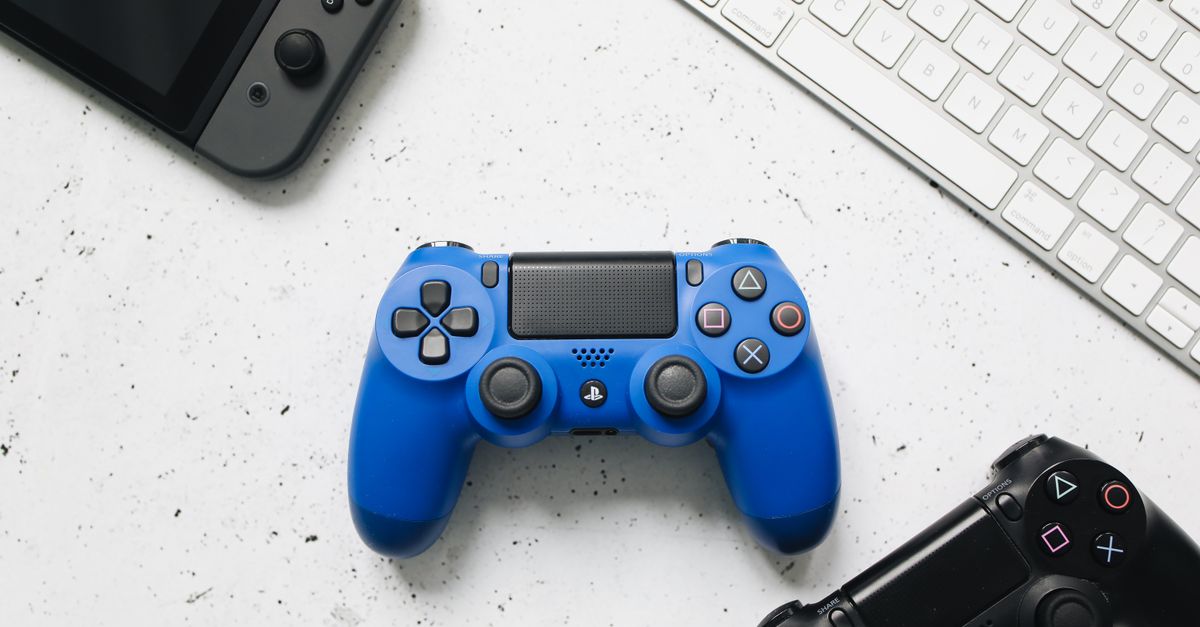
Photo by Polina Tankilevitch on Pexels
The Switch 2 shipped with a factory‑applied film on its OLED panel, and the first thing many owners do is rip it off. A livestream of a speedrun on The Legend of Zelda: Tears of the Kingdom went viral because the player’s screen was spotless—exactly the kind of visual the film protects.
The film is a thin polymer layer that covers the entire display out of the box. Engadget notes the temptation to peel it away, but warns against it. Removing the film exposes the glass to scratches, fingerprints, and the occasional drop during the crucial break‑in period. It also voids any resale claim that the screen is “pristine.”
The Switch 2’s protective film isn’t optional
Nintendo’s decision to pre‑apply the film reflects a shift in how handhelds are handled. Early adopters used to sandbag their devices with cloths and wipes; the film eliminates that step. Because the OLED is more vulnerable than older LCD panels, a single scratch can become a permanent blemish. The film acts as a sacrificial barrier until users are comfortable with the device’s ergonomics.
If you do peel it, you risk leaving residue that can interfere with touch sensitivity. The residue is harder to clean than the film itself and can cause ghost taps during fast‑paced multiplayer sessions. The cost of a replacement screen far exceeds the price of a few dollars for a replacement film.
PS5 on carpet: a literal hotbed
Engadget’s guide to PS5 placement warns that a carpeted floor turns the console into a heat trap. The console’s ventilation draws air from the surrounding space, and carpet fibers block that flow. The result is a steady climb in internal temperature, which can trigger thermal throttling.
Thermal throttling reduces CPU and GPU clocks, shaving frames off demanding titles like Elden Ring or Starfield. Over time, sustained high temperatures can degrade solder joints, shortening the console’s lifespan. The official PS5 design assumes a hard, flat surface that lets the bottom vent pull in cool air.
The simplest fix is a hard‑surface stand or a small metal riser. Even a thin piece of plywood between the console and carpet restores airflow. Users who have swapped their PS5 onto a wooden shelf report lower fan noise and more consistent frame rates.
Disc compatibility: not as universal as you think
The PS5 cannot play every disc that the PS3 and PS4 handled, according to Engadget. While the majority of modern releases—both games and movies—are supported, legacy titles on Blu‑ray or older PlayStation formats may be rejected.
The console’s Ultra HD Blu‑ray drive reads most commercial releases, but it skips certain region‑locked or experimental discs. Users who own a library of PS3-era games should expect a handful of titles to be invisible in the disc menu.
For developers, the limitation means that backward‑compatible releases must be packaged specifically for PS5. This extra step can affect indie studios that rely on physical distribution. Meanwhile, collectors who cherish physical media need to verify compatibility before purchasing.
NAT types and the hidden friction of online play
If you’ve ever seen a “NAT Type Strict” warning in Call of Duty or Fortnite, you know it can ruin a match. Engadget explains that NAT type describes how your router mediates inbound and outbound traffic for multiplayer sessions.
An “Open” NAT lets any player connect directly, delivering the lowest latency. “Moderate” NAT works for most peers but may require a relay server for a few. “Strict” NAT forces most connections through a relay, adding lag and sometimes preventing voice chat.
The root cause is port forwarding. Home routers often block the ports that consoles use for peer‑to‑peer traffic. Enabling UPnP or manually forwarding the required ports can shift a Strict NAT to Moderate or Open. Firmware updates from Sony have also tweaked how the console negotiates NAT, so staying current matters.
What to watch next
Keep an eye on firmware releases for the Switch 2 that might offer an official way to remove the protective film without voiding warranty. For PS5 owners, monitor Sony’s upcoming cooling‑mode updates that could mitigate heat buildup on soft flooring. Finally, watch for Sony’s next network stack patch—each iteration can reshape NAT handling and improve online stability for competitive gamers.
Related Articles

Legacy games thrive as consoles get a second life
Neverwinter Nights still draws thousands, a canceled Assassin's Creed leaks, and old PlayStations find new purpose.
New hardware quirks ring note‑taker AI feeder retro upgrades
A ring‑sized note taker, AI‑driven cat feeder, free retro‑handheld upgrades, E Ink tablets, and Android UI tweaks illustrate niche hardware shifts.

Samsung pushes Ultra hardware while hiding data bloatware
Samsung rolls out a smaller Ultra phone and a 1,100 Hz gaming monitor, even as privacy‑busting AppCloud bloatware haunts its mid‑range devices in the MENA region.